
How to use the Azure portal to create an Azure AI services resource
To create an Azure AI services resource, sign in to the Azure portal with Contributor access and select Create a resource. To create a multi-services resource search for Azure AI services in the marketplace.
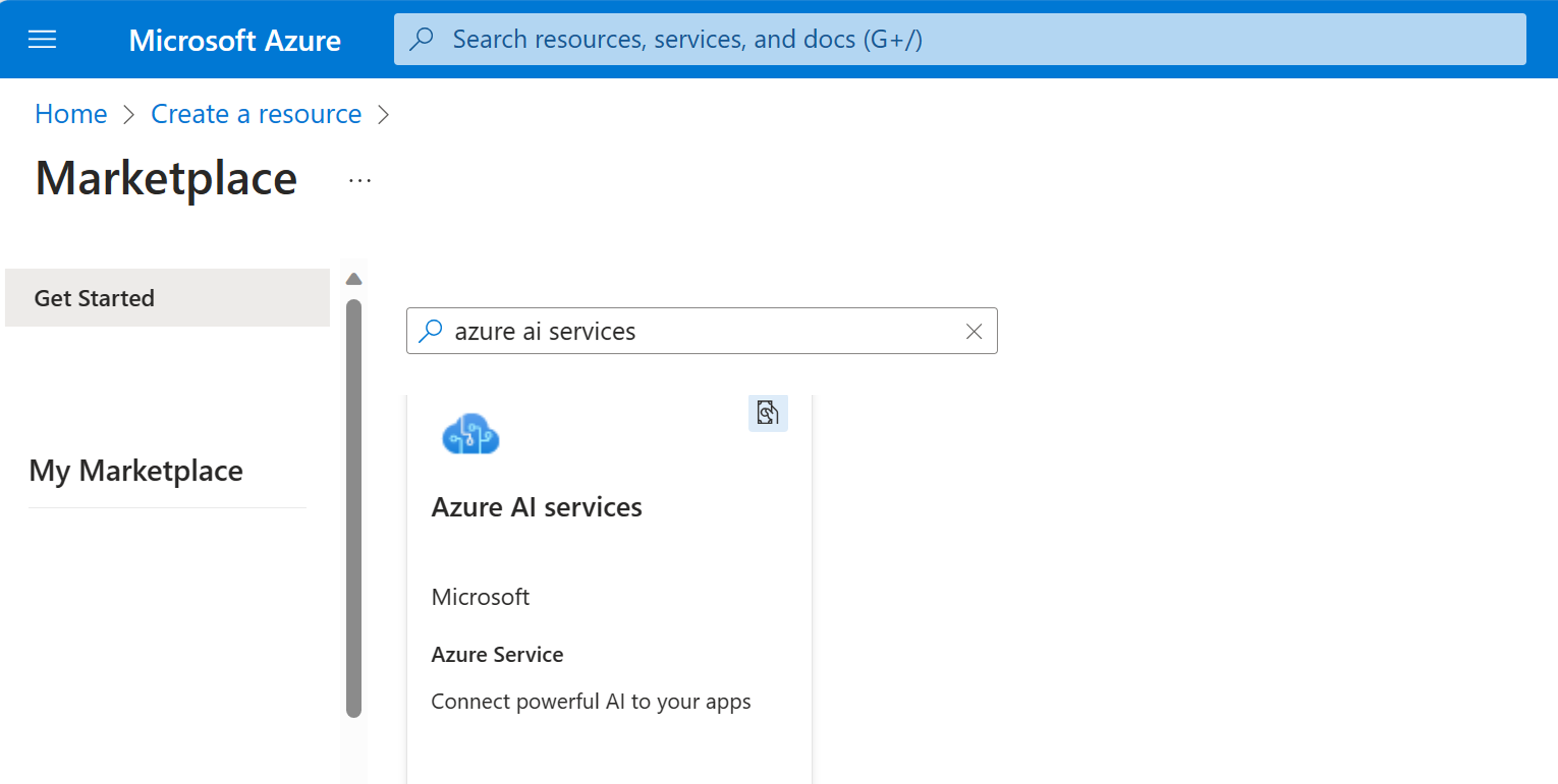
To create a single-service resource, search for the specific Azure AI service such as Face, Language, or Content Safety, and so on. Most AI services have a free price tier to allow you to explore their capabilities. After clicking Create for the resource you require, you will be prompted to complete details of your subscription, the resource group to contain the resource, the region, a unique name, and the price tier.
Please attend microsoft windows server certification training courses malaysia
https://lernix.com.my/microsoft-windows-server-certification-training-courses-malaysia/